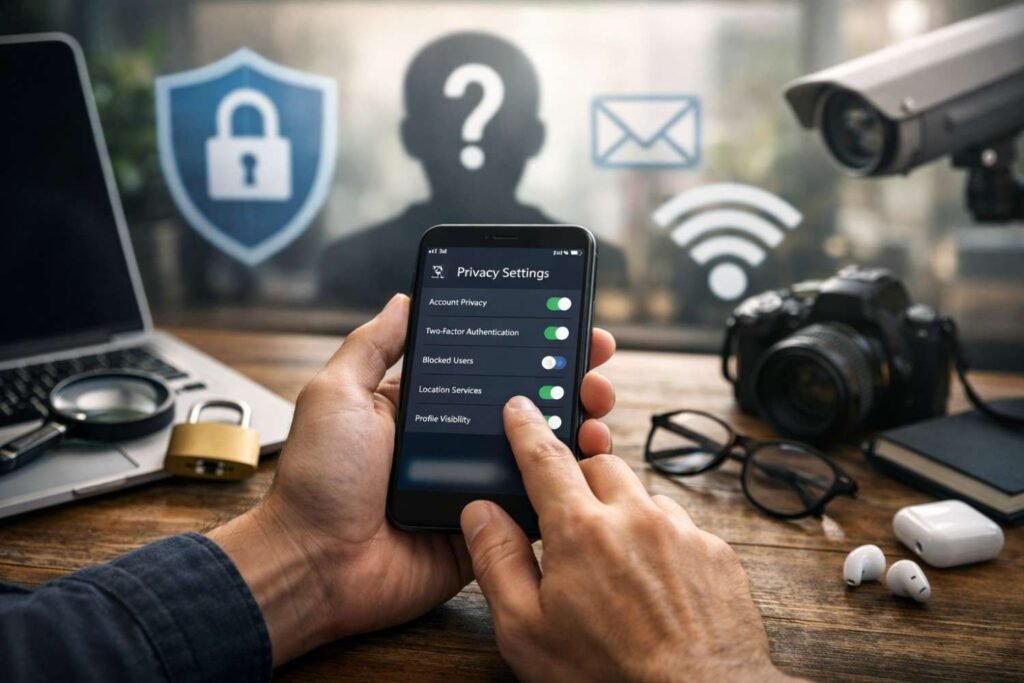
I use social media because it makes life easier, faster, and more connected. But I also know that every post, tag, location update, app permission, and public profile detail can add to my digital footprint. In the US, where identity theft, phishing scams, account takeovers, and data tracking are everyday concerns, privacy settings are no longer something to ignore.
The problem is that most platforms are built to collect data, personalize ads, suggest connections, and keep users visible. That is why Social Media Privacy Settings Everyone Should Know can help you move beyond default settings and take real control over what people, platforms, advertisers, and third-party apps can see.
Why Social Media Privacy Settings Matter Right Now
Social media privacy settings matter because small pieces of public information can create big risks. A birthday, hometown, pet name, school, workplace, vacation photo, tagged location, or public friends list may seem harmless alone. Together, these details can help cybercriminals guess passwords, clone profiles, send convincing scams, or target your loved ones.
Privacy is not only about hiding posts. It is about limiting tracking, controlling audience visibility, blocking unwanted messages, protecting location data, reducing ad profiling, and securing your account against hackers. I do not think people need to quit social media to stay safe. But I do think everyone should adjust the settings that platforms leave too open by default.
How Do You Secure Every Social Media Account First?
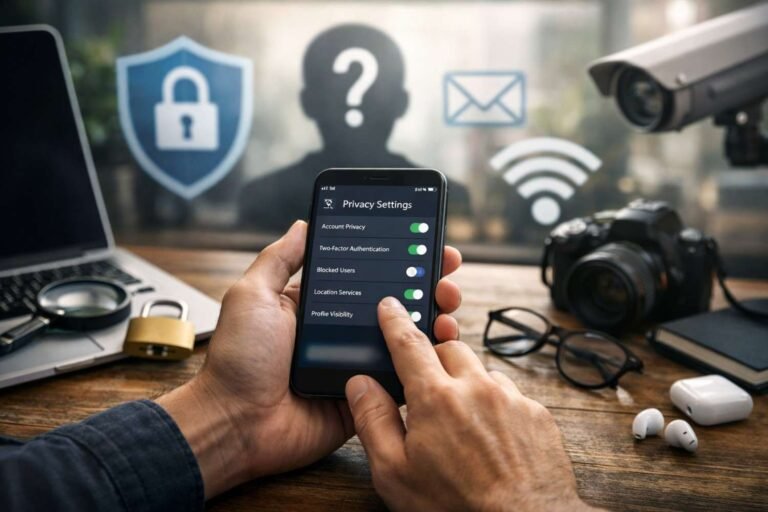
Before checking Facebook, Instagram, TikTok, LinkedIn, Snapchat, X, or YouTube separately, start with universal online privacy settings. The first setting I would turn on is two-factor authentication. When possible, use an authenticator app instead of SMS because text-based codes can be vulnerable to SIM-swapping attacks.
Next, review third-party app access. Old quizzes, games, editing apps, shopping tools, and websites may still have permission to read parts of your profile. Revoke anything you no longer use. You should also check off-platform search visibility, especially if you do not want your social profile to appear when someone searches your name on Google.
These simple changes improve account security before you even touch your post settings.
What Audience and Content Settings Should You Change?
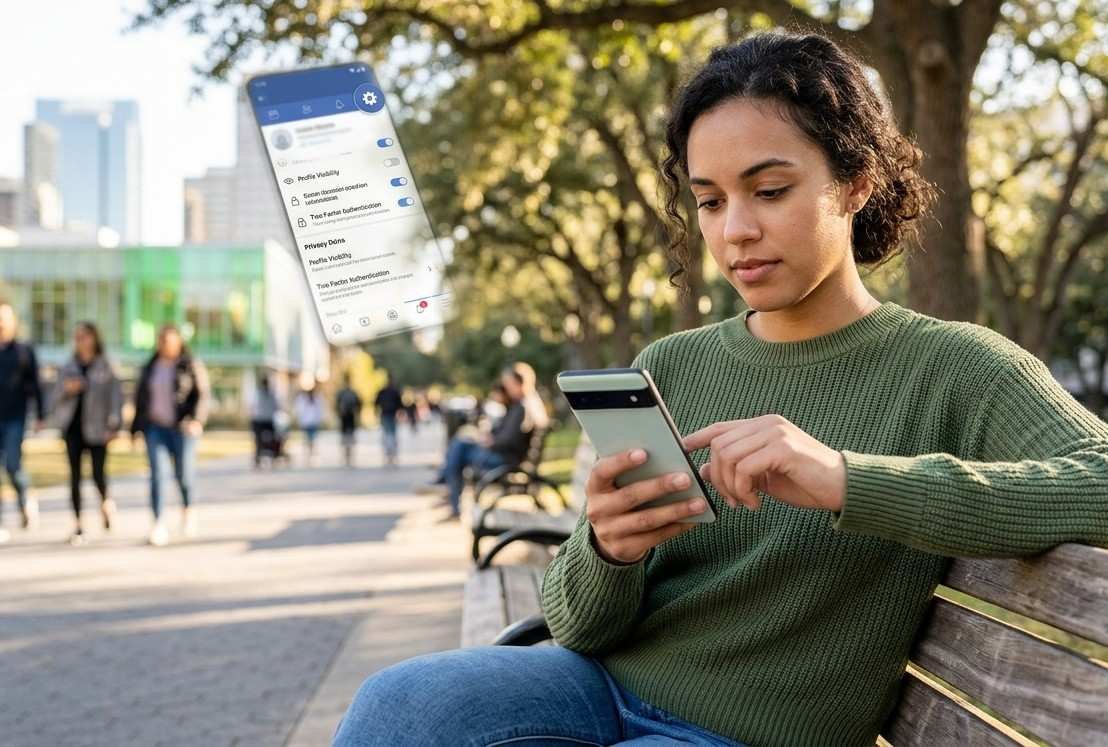
Default public sharing can expose your routines, relationships, interests, and personal details to strangers. For personal accounts, I prefer switching profile visibility to private, friends only, or approved followers. Public accounts may work for creators and businesses, but personal updates should not automatically be visible to the entire internet.
Tagging approvals are also important. Turn on the setting that lets you review posts, photos, and mentions before they appear on your profile. This prevents other people from adding you to embarrassing, misleading, or revealing content without your permission.
Resharing controls deserve attention too. If a platform allows others to share your stories, posts, or videos into their own feeds, limit that setting. You should also hide your friends or follower lists from the public because scammers often clone profiles and target people connected to you.
How Can You Limit Location and Data Tracking?
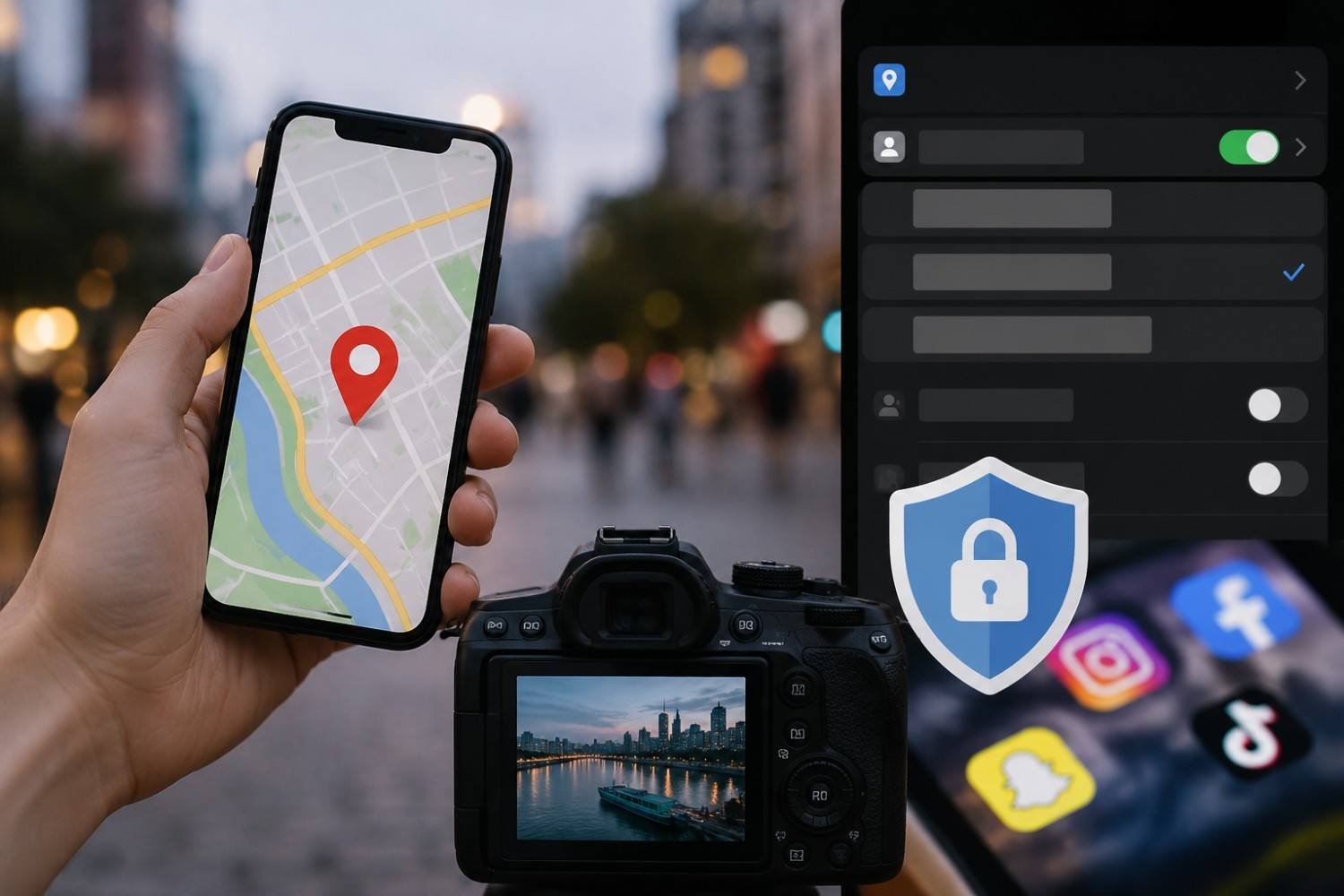
Location settings are some of the most important online privacy settings to review. Social apps may use your location for maps, ads, nearby suggestions, check-ins, and content recommendations. I recommend going into your phone settings and changing location access from “Always Allow” to “Never” or “Only While Using the App.”
You should also turn off precise location when an app does not need it. Avoid posting real-time location updates from restaurants, airports, hotels, schools, gyms, or events. Sharing where you are right now can also reveal where you are not, including your home.
Photo metadata is another hidden issue. Your camera may store GPS (Global Positioning System) information inside images. Turn off location tagging in your camera settings so uploaded photos do not carry unnecessary location clues. Then review ad personalization settings inside each platform and limit tracking based on partner data or off-platform activity.
Facebook Privacy Settings Everyone Should Check
Facebook stores years of posts, photos, groups, comments, likes, and profile details, so I would start with Privacy Checkup. Review who can see your future posts, who can see past posts, who can send friend requests, and who can find you through your email or phone number.
You should also hide your friends list from the public, review profile details like birthday and workplace, and enable timeline review before tagged posts appear. Facebook also lets you get alerts for unrecognized logins, which can help you react quickly if someone tries to access your account.
For most personal users, a friends-only setup is safer than a public profile.
Instagram Privacy Settings to Update
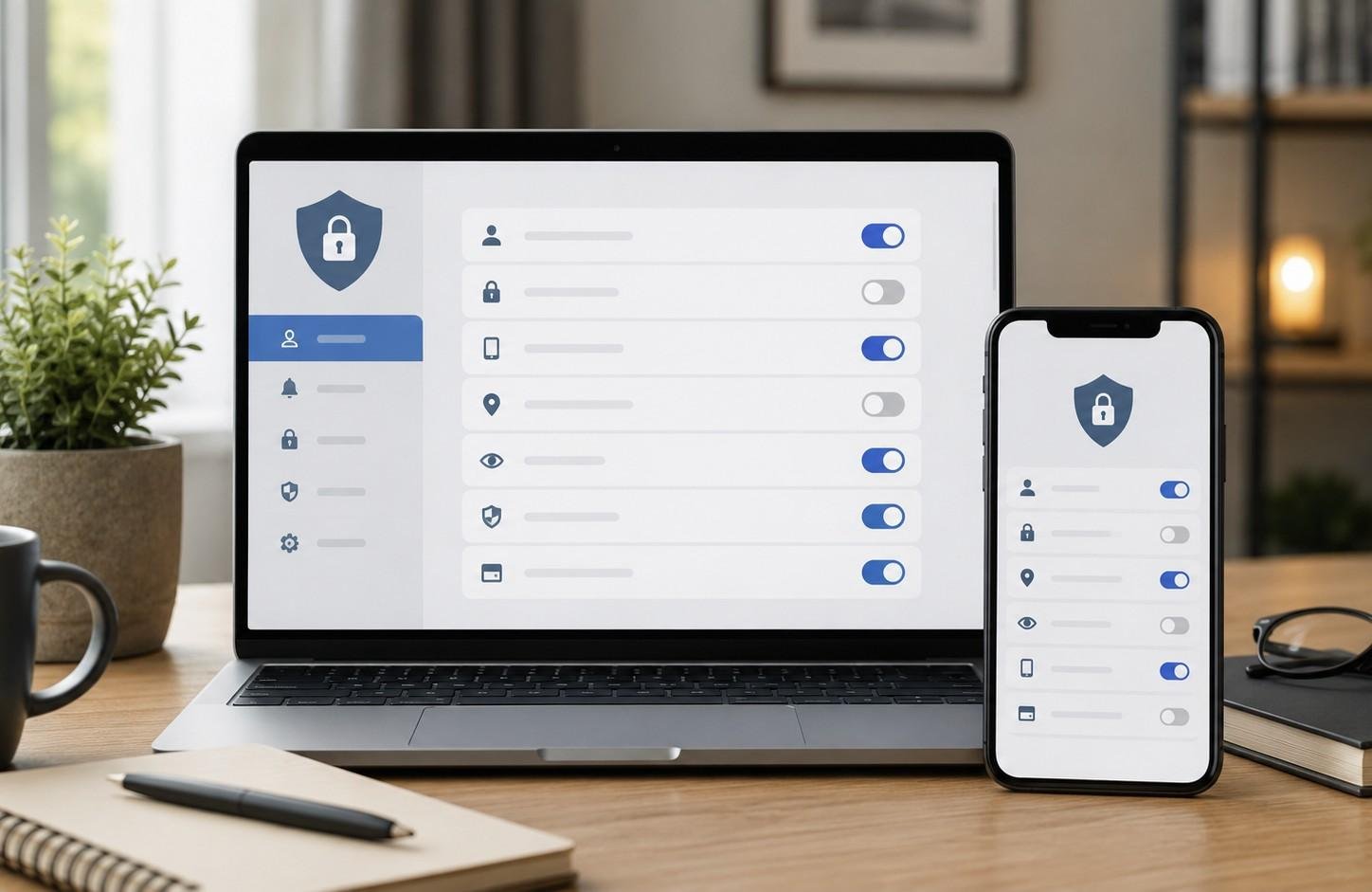
Instagram privacy settings matter because photos, reels, stories, tags, and location clues can reveal daily habits. If your account is personal, switch it to private under account privacy. Then review who can tag you, mention you, message you, and view your stories.
I also recommend checking activity status. If you do not want people to see when you are online, turn it off. Review contact syncing because it can make your profile easier to find through phone contacts. If you use location stickers or map-style features, be careful about sharing real-time places.
Instagram is visual, which makes it easy to overshare without noticing.
TikTok Privacy Settings That Protect Your Videos
TikTok privacy settings help you control who watches, downloads, comments on, and reuses your content. A private account is a smart choice for personal users. You should also review comments, direct messages, profile views, duets, stitches, and downloads.
If you do not want strangers reusing your videos, restrict duets, stitches, and downloads. TikTok’s fast-sharing culture can spread content quickly, so your privacy settings should match your comfort level before a video gains attention.
Parents, teens, and casual users should be extra careful with direct messages and public comments.
LinkedIn Privacy Settings for Professional Safety
LinkedIn feels safer because it is professional, but it can reveal your employer, job history, city, school, connections, and career activity. Start with public profile visibility and decide what search engines and non-connections can see.
You can also hide your email address, limit who sees your connections, and change profile viewing options if you do not want others to know when you view their profiles. If you are job searching privately, turn off profile update broadcasts so your network does not see every change.
Professional visibility is useful, but it should still be controlled.
Snapchat, X, and YouTube Privacy Settings to Review
On Snapchat, the most important setting is location. Open Snap Map settings and enable Ghost Mode if you do not want friends to see your real-time location. This is especially important for personal safety. Also, review your login security and enable two factor authentication to reduce the risk of account takeover.
On X, formerly Twitter, you can protect posts, limit direct messages, disable photo tagging, and review discoverability through phone or email. If you post personal opinions, consider whether a public account is worth the exposure.
On YouTube, review whether subscriptions, playlists, liked videos, and saved content are public. Your viewing habits can reveal personal interests, beliefs, health concerns, hobbies, or family preferences.
Common Social Media Privacy Mistakes to Avoid
The biggest mistake is trusting default settings. Platforms often encourage visibility, connection, and data sharing. Another mistake is accepting unknown friend requests, using the same password everywhere, ignoring old connected apps, and sharing real-time location updates.
I also see people posting too much about children, vacations, work schedules, schools, and home routines. These details can create safety risks. Reviewing old posts matters too because something shared years ago may still reveal information you would not share now.
FAQs About Social Media Privacy Settings
1. What are the most important social media privacy settings?
The most important settings include two-factor authentication, profile visibility, post audience, tagging approval, location access, direct message controls, ad personalization, third-party app access, and off-platform search visibility.
2. How do I make my social media accounts more private?
Start by switching personal accounts to private, limiting who can find you, disabling unnecessary location access, approving tags before they appear, hiding your friends list, and removing old third-party app permissions.
3. Should I turn off location sharing on social media?
Yes, I recommend turning off precise location and avoiding real-time location posts. Location sharing can reveal your routines, travel plans, workplace, school, favorite places, and home absence.
4. Can social media privacy settings stop identity theft?
They cannot stop every risk, but they reduce exposure. Strong privacy settings limit the personal details scammers can collect, making it harder for them to impersonate you or target your accounts.
Final Thoughts
I believe social media should help us connect without exposing every part of our lives. The best way to protect yourself is to stop relying on defaults and review your settings before something goes wrong.
Social Media Privacy Settings Everyone Should Know include two-factor authentication, private account controls, tagging approvals, location limits, third-party app cleanup, ad tracking controls, friend list privacy, and message restrictions.
When I review my accounts, I focus on one question: does this setting give me more control or less? If it gives me less control, I change it.
Just like How Small Businesses Can Use Technology to Grow by choosing smarter digital tools, everyday users can protect themselves by choosing smarter privacy settings. A few smart updates can protect your identity, your location, your data, and your peace of mind.