
Buying a laptop in the US can feel overwhelming because every brand promises speed, power, and all-day battery life. I always start with one simple rule: match the laptop to your real daily tasks before looking at price tags or flashy features.
How to Choose the Best Laptop for Work or Study comes down to understanding your operating system, processor, RAM, storage, screen size, battery life, keyboard comfort, and portability.
A student writing papers does not need the same laptop as a video editor. A remote worker living in Zoom meetings needs different features than someone who mainly uses Google Docs. When you choose based on actual use, you avoid two common problems: buying a slow laptop that frustrates you or overspending on power you never use.
What Is the First Thing to Check Before Buying a Laptop?
The first thing I check is the operating system because it affects software, price, updates, app compatibility, and daily workflow. Windows is the safest choice for most people because it works with business software, school platforms, office apps, accounting tools, and a wide range of accessories.
It also gives US buyers many price options, from budget laptops to premium workstations. Windows is especially useful if you need specialized programs for engineering, architecture, or Computer-Aided Design (CAD).
macOS is ideal if you already use an iPhone, iPad, AirPods, or other Apple devices. MacBooks are popular with creative professionals, students, writers, marketers, and business users because they offer smooth performance, long battery life, and strong build quality.
ChromeOS works best for budget-conscious students who rely mostly on web-based apps, Google Workspace, Gmail, Google Classroom, YouTube, and cloud storage. It is simple and affordable, but it may not support every desktop program.
How Do You Choose the Right Laptop Specs?
The easiest way to choose specs is to match the processor, RAM, and storage to your workload. For basic study or office work, such as web browsing, emails, typing, online classes, and light spreadsheets, an Intel Core i3, AMD Ryzen 3, or Apple M1 can work well. In this category, 8GB RAM and 256GB SSD storage should be the minimum.
For multitasking, remote work, programming, large spreadsheets, business software, research, and multiple browser tabs, I would choose at least an Intel Core i5, AMD Ryzen 5, Apple M2, or Apple M3. This type of user should aim for 16GB RAM and 512GB SSD storage because it gives a smoother and more future-ready experience.
For advanced creative work, 4K video editing, 3D rendering, CAD, design software, engineering programs, or professional production tasks, you need stronger performance. An Intel Core i7 or i9, AMD Ryzen 7 or 9, or Apple Pro or Max chip makes more sense. In this range, 16GB to 32GB RAM and 1TB SSD storage are better choices.
How Much RAM Is Enough for Students and Workers?
RAM decides how well your laptop handles several tasks at once. If you are switching between Zoom, Chrome tabs, Microsoft Office, Slack, Canva, Google Docs, and email, RAM (Random access memory) matters a lot. An 8GB laptop can still handle basic work, but I see 16GB as the better choice for most US students and professionals.
A laptop with 16GB RAM usually feels smoother for online classes, remote jobs, browser-heavy work, presentations, and multitasking. If you want a laptop that lasts for several years, 16GB is a safer investment. For video editors, designers, coders, engineering students, and data-heavy users, 32GB may be worth the extra cost.
Is SSD Storage Better for Work and Study?
Yes, SSD storage is the better option for almost every laptop buyer. A solid-state drive helps your laptop boot faster, open apps quickly, transfer files smoothly, and feel more responsive during daily use. I would avoid older hard drive-based laptops unless the price is extremely low and performance is not important.
A 256GB SSD is acceptable for light users who store most files in Google Drive, OneDrive, Dropbox, or iCloud. However, 512GB SSD storage is the better sweet spot for most students and workers because it gives more space for documents, apps, downloads, photos, videos, and offline files.
If you edit videos, save large projects, or use heavy software, 1TB SSD storage is the smarter choice.
What Screen Size Is Best for Work or Study?
Screen size depends on how and where you use your laptop. An 11-inch to 13-inch laptop works well for students who move between classes, libraries, dorm rooms, and coffee shops. It is easy to carry, but the smaller screen may feel tight during long writing or research sessions.
A 14-inch laptop is my favorite balance for most commuters, students, and remote workers. It gives enough space for documents, browsing, video calls, and split-screen work while staying lightweight. A 15-inch or 16-inch laptop is better if you work mostly at a desk, format spreadsheets, edit visuals, compare documents, or use two windows side by side.
Display quality matters too. Choose at least Full HD resolution, which is 1920 x 1080. An IPS panel is also a smart choice because it usually provides better viewing angles and a more comfortable screen experience. If you spend hours reading, writing, or working online, a sharper and brighter display can reduce eye strain.
Why Are Battery Life and Portability So Important?
Battery life can make or break the laptop experience. For school, office work, travel, and remote jobs, I recommend looking for at least 8 to 10 hours of real-world battery life. Do not rely only on manufacturer claims because video calls, screen brightness, browser tabs, and heavy apps can drain the battery faster.
Portability matters just as much. A powerful laptop is not always useful if it is too heavy to carry every day. If you commute, attend college, or work from different locations, look for a lightweight design that still feels durable. Fast charging is also useful because it helps you recover battery quickly between classes, meetings, or flights.
Which Keyboard, Ports, and Build Features Should You Check?
Keyboard comfort is easy to ignore until you start writing long reports, essays, emails, or business proposals. I always check whether the keys feel comfortable and have good travel, which means enough depth when pressed. A cramped or shallow keyboard can become tiring during long typing sessions.
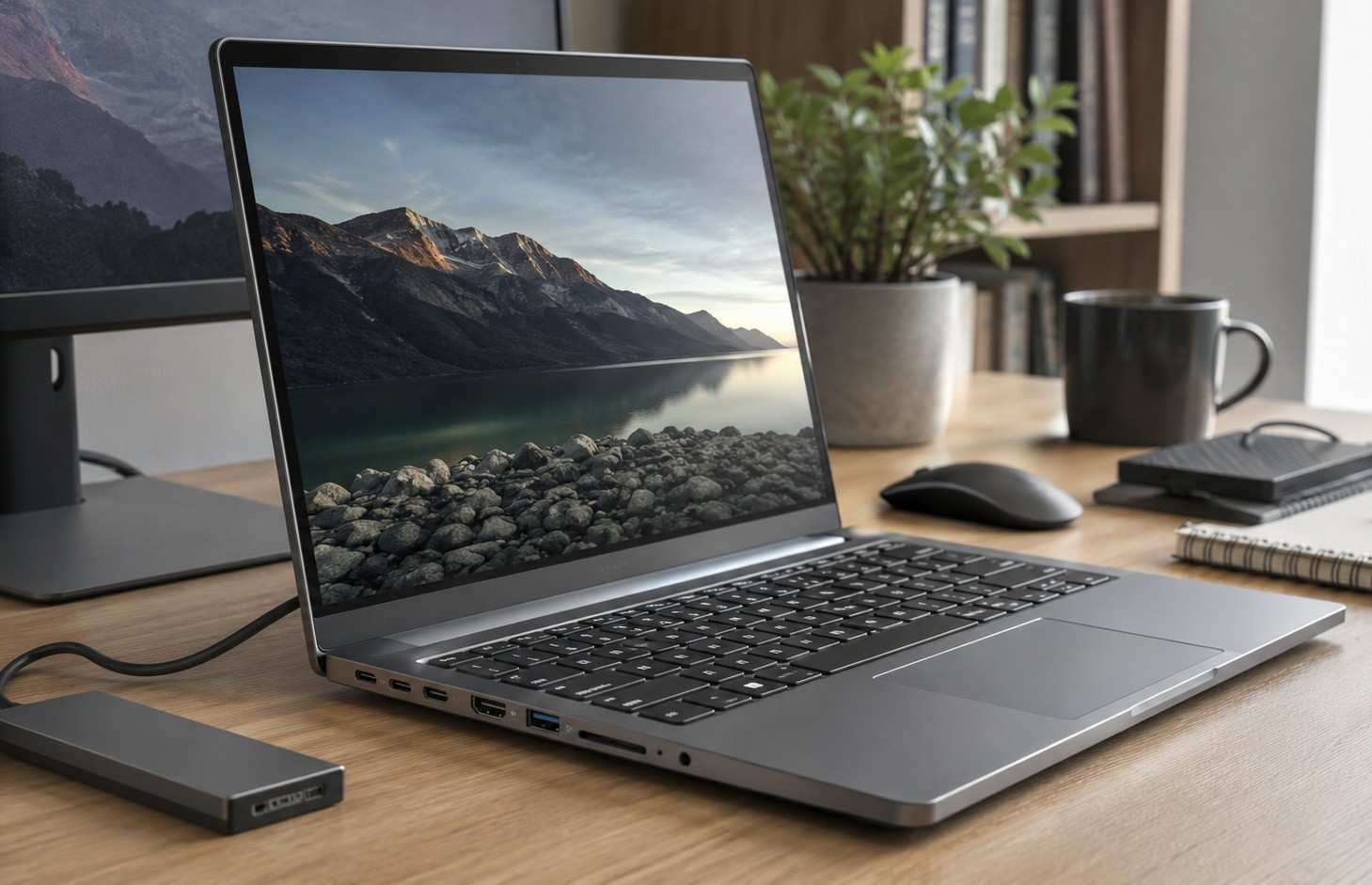
Ports are also important. At minimum, I would look for USB-C because it supports modern charging, accessories, and external displays on many laptops. HDMI ((High-Definition Multimedia Interface), USB-A, a headphone jack, and an SD card reader can also be useful depending on your setup.
If you connect a monitor, projector, external drive, mouse, or docking station, check the ports before buying.
What Laptop Buying Mistakes Should You Avoid?
One of the biggest mistakes is buying only by brand. A famous logo does not guarantee the right specs, battery life, keyboard, or screen. Another mistake is choosing the cheapest laptop without checking RAM and storage. A low price can quickly become expensive if the laptop slows down after a few months.
Some buyers also overpay for gaming-level power when they only need a laptop for email, web browsing, and office work. Others buy a large screen without thinking about weight. Before purchasing, check the return policy, warranty, repair options, and real customer reviews from US retailers.
FAQ About Choosing the Best Laptop
1. What is the best laptop specification for students?
For most students, a modern Intel Core i5, AMD Ryzen 5, Apple M2, or Apple M3 with 16GB RAM and 512GB SSD storage is a strong choice. It can handle assignments, research, online classes, presentations, browsing, and multitasking without feeling outdated too quickly.
2. Is Windows, macOS, or ChromeOS better for school?
Windows is best for broad compatibility, macOS is great for Apple users and creative work, and ChromeOS is best for affordable web-based learning. The right choice depends on your software needs, school requirements, budget, and daily study habits.
3. Is 8GB RAM enough for office work?
8GB RAM is enough for light office work, email, browsing, and document editing. However, I recommend 16GB RAM if you use multiple apps, video meetings, spreadsheets, cloud tools, or browser tabs throughout the day.
4. What is the best screen size for remote work?
A 14-inch laptop is the best balance for many remote workers because it is portable and comfortable. A 15-inch or 16-inch screen is better if you work mostly at a desk and need more room for spreadsheets, dashboards, or split-screen tasks.
Final Thoughts
When I think about How to Choose the Best Laptop for Work or Study, I focus on practical value instead of hype. The right laptop should match your tasks, feel comfortable to use, and stay reliable for years.
For most US buyers, a modern processor, 16GB RAM, 512GB SSD storage, Full HD IPS display, 8 to 10 hours of battery life, USB-C support, and a comfortable keyboard create the best balance. Choosing the right model also helps you avoid performance issues later, especially the kind covered in Common Laptop Problems and Easy Fixes.
If you are still unsure, use this simple rule: choose ChromeOS for light web-based study, Windows for flexibility and business software, and macOS for Apple ecosystem users or creative workflows. That is the clearest way to understand How to Choose the Best Laptop for Work or Study without wasting money on the wrong machine.